
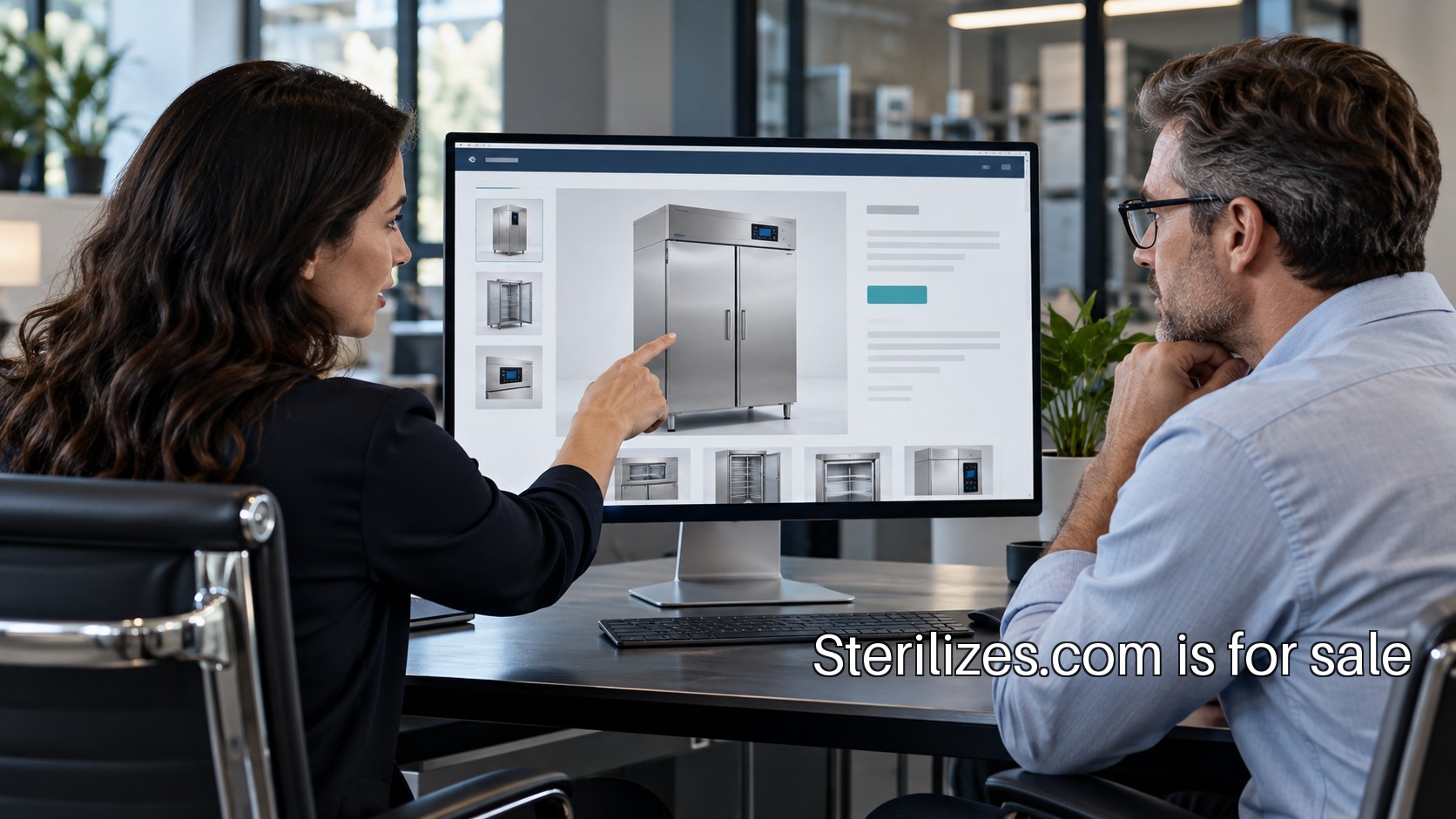
An equipment website has a useful job before a sales meeting: help the right people understand the company, identify the relevant product and arrive with a better question. That job is smaller than completing a purchase online, but it deserves a deliberate plan. A prospective buyer may share the same page with procurement, a technical reviewer and a facilities colleague. Each needs a clear path to the part of the evaluation they own.
For a founder preparing a first equipment range, the best starting document is a content map. It should list the pages needed for the initial buying situation, the questions each page answers and the person who approves the information. This makes the website a coordinated publishing project rather than a collection of attractive layouts. The following approach focuses on commercial communication and document organization, not operating procedures.
Write down the next conversation
Begin with the action a qualified visitor should take. A general contact form can be appropriate when the sales process requires discovery, but the surrounding text should explain what the conversation concerns. Does the team discuss a particular range, route a technical question or arrange an introductory demonstration? The answer determines the information the page needs and the fields a form should request.
A useful exercise is to write a fictional inquiry and describe how the team would handle it. The inquiry might mention a facility type, a model under consideration and a planned purchasing review. Who receives it? Which questions can that person answer? Where does the inquiry go next? If the internal route is unclear, improve the handoff before making the form more elaborate. A polished form cannot assign responsibility by itself.
Separate company and product information
The company introduction should make the business's scope understandable. Product pages should describe specific models using reviewed information. Keeping these jobs distinct allows a founder to change a range without rewriting the entire company story. It also avoids turning broad brand language into a claim about every item in the catalog.
For the first release, make one complete model page before producing the rest. Agree on its sections, the source of every specification and the links to current documents. Have the relevant internal roles review that example. Once the structure works, repeat the structure across the actual range. Consistency makes comparison easier and helps the team notice missing information before the page is published.
Give each claim an owner
Create a record containing the proposed statement, its source, its approval status and the responsible reviewer. This can be a modest internal table; the value lies in the discipline of using it. A sentence may be approved for one model and unsuitable for another. A draft specification may change during development. The website editor needs a reliable way to distinguish publishable information from a working note.
The FDA's manufacturer information on reusable-device reprocessing points to guidance on validation and labeling. That is context for involving qualified regulatory and technical specialists in the actual product review. For the website team, the practical task is to preserve the distinction between an approved product statement and copy drafted for readability.
Make documents findable and current
A document library needs more than a collection of upload links. Each item should have a clear title, applicable model or range, version or date where relevant, and an owner responsible for updates. A visitor should be able to tell which document applies to the product they are reviewing. If a document requires a direct conversation before release, the page can explain the route to request it.
Consider how the team will replace a file after launch. Reusing the same URL may help existing links remain useful, but the organization still needs a revision record. Publishing a new URL may preserve versions, but old links can stay in circulation. Choose a method with the people responsible for product documentation and define how outdated material is handled. The choice should work for actual documents, rather than follow a general website preference.
Plan the comparison experience
A comparison table can be useful when its columns represent meaningful, consistently sourced distinctions. It becomes misleading when it places unlike attributes on the same row or leaves empty cells unexplained. Start with the comparisons that arise in real sales discussions. If a distinction needs context, provide a route to that explanation instead of compressing it into a one-word badge.
For example, the content team could test a draft table by asking a reviewer to describe why a buyer might investigate one model before another. If the table does not support that explanation, it may need fewer fields, clearer labels or a different grouping. This is an information-design test. It does not replace a qualified assessment of equipment suitability for a specific setting.
Include the people beyond procurement
A purchasing decision can involve colleagues who arrive with different questions. Some need the commercial route, while others need documentation, installation coordination or an introduction to the support team. The site can make those routes visible without claiming to resolve every issue on a public page. Clear contact categories are often more useful than adding a long generic frequently asked questions section.
The CDC's disinfection and sterilization guideline provides broader context for the specialized healthcare environment. A business website should direct procedural questions to the appropriate professionals and current manufacturer materials. Its own content can concentrate on helping the visitor reach the correct person with the correct product reference.
Review the complete journey on a phone
A desktop design can hide problems that matter when a page is forwarded during a busy day. Open the model page on a phone, read the headings and try to locate the relevant document. Check that the model identifier remains visible and that a table can be understood without losing its row labels. Test the contact route with keyboard navigation as well as touch.
Ask someone unfamiliar with the draft to explain the company's scope after reading the page. Then ask them to find the next step for a technical question. Their difficulty may reveal a content problem rather than a visual one. A larger button will not repair an unclear distinction between a product inquiry and a service request. Revise the labels and the route before adding decoration.
Treat launch as the start of ownership
Assign ongoing owners to the product list, documents, inquiry routing and company information. A short monthly or release-based review can be more useful than waiting for a full redesign. The review should check whether the current range is represented accurately, whether the documents are current and whether visitors reach a responsible person. Keep a record of the changes so the team can understand why the page evolved.
For a company built on Sterilizes.com, that preparation would give a direct category name a useful operating home. The name can unify the introduction while each page does a specific job for the buyer. A strong first milestone is simple to describe: one complete model page, reviewed source material and a working path to the next sales conversation. That is a practical foundation a founder can keep building on.